Why Most Resumes Fail ATS Scans (And How to Fix Yours in 2026)
In 2026, most resumes are never seen by a human.
Before a recruiter reads a single word, your resume must pass an Applicant Tracking System (ATS) — software designed to filter, score, and rank candidates automatically.
The problem?
👉 Over 75% of resumes fail ATS scans.
Here’s why it happens — and how to make sure your resume doesn’t get rejected.
What Is an ATS (And Why It Rejects Resumes)?
An ATS is used by companies to:
- Scan resumes for keywords
- Check formatting and structure
- Rank candidates based on job relevance
If your resume isn’t ATS-friendly, it may be:
- Misread
- Scored poorly
- Automatically rejected
Even if you’re qualified.
The 5 Most Common ATS Resume Mistakes
1. ❌ Using Fancy Templates or Graphics
ATS systems can’t read:
- Tables
- Columns
- Icons
- Charts
- Text inside images
What looks “beautiful” to you often looks blank to an ATS.
✅ Fix: Use clean, single-column layouts with standard headings.
2. ❌ Missing the Right Keywords
ATS software scans for job-specific keywords.
If the job description says:
“Data analysis, SQL, dashboards”
And your resume says:
“Worked with numbers and reports”
You’re getting filtered out.
✅ Fix: Match your resume language to the job posting.
3. ❌ Weak or Generic Bullet Points
Examples ATS hates:
- “Responsible for…”
- “Worked on…”
- “Helped with…”
These don’t show impact, and they don’t rank well.
✅ Fix: Use action verbs + results.
“Increased retention by 22% by improving onboarding flow”
4. ❌ Incorrect Section Headings
ATS systems expect standard headings like:
- Work Experience
- Education
- Skills
Creative headings like “My Journey” or “What I’ve Done” confuse scanners.
✅ Fix: Stick to recruiter-approved section titles.
5. ❌ Submitting the Same Resume Everywhere
One resume ≠ every job.
ATS ranks resumes per job description.
A generic resume almost always loses.
✅ Fix: Tailor your resume for each role — fast.
How to Fix Your Resume (Without Starting Over)
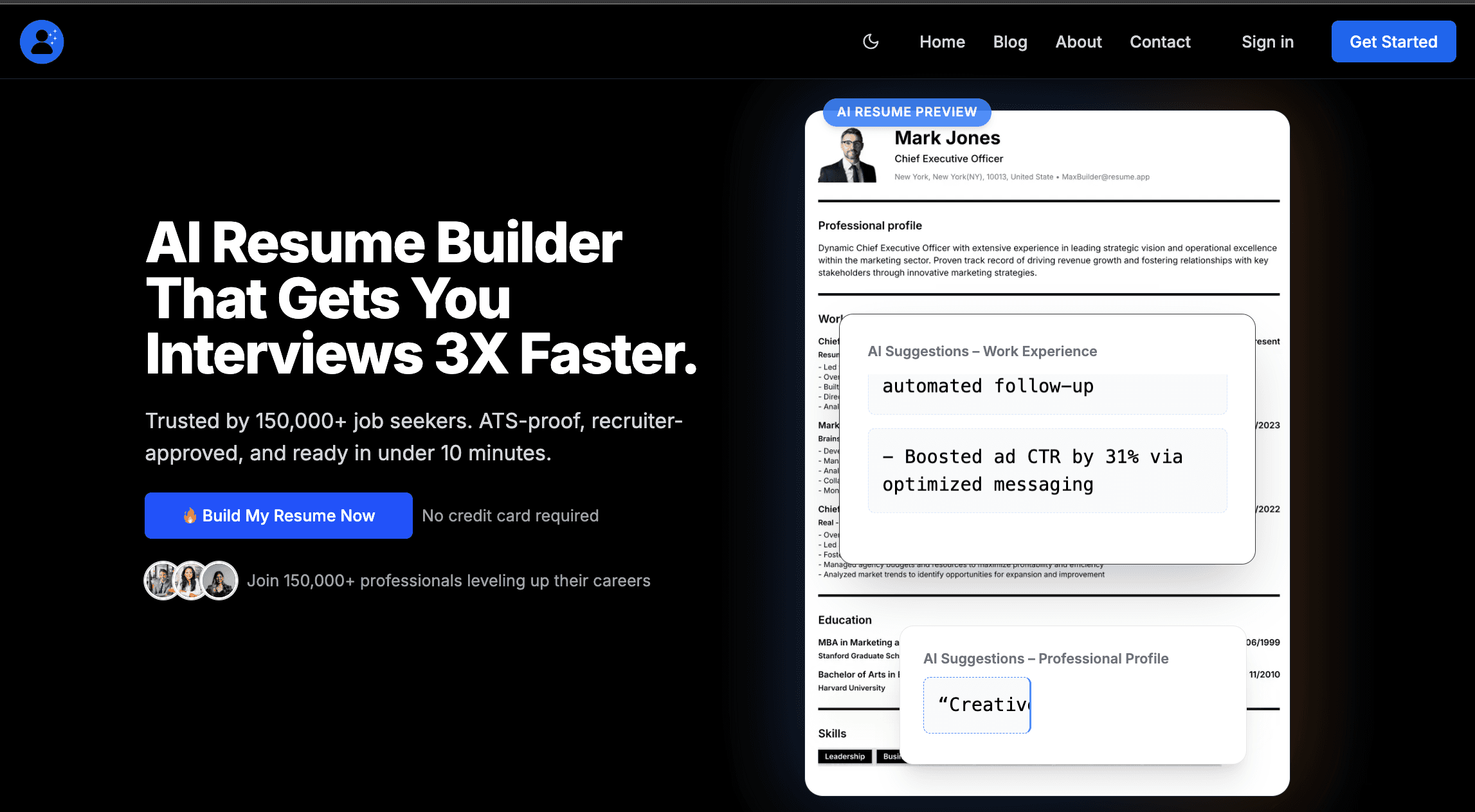
This is exactly why tools like Resumeprep.app exist.
With Resumeprep, you can:
- ✅ Use ATS-safe templates automatically
- 🎯 Match keywords to job descriptions
- 🤖 Improve bullet points with AI suggestions
- 🔁 Edit and preview changes live
- 🆓 Start free — no credit card required
“I thought my resume was fine. Turns out ATS couldn’t even read it.”
— Mark D., Operations Manager
Final Takeaway
If your resume isn’t ATS-friendly:
- Recruiters never see it
- Interviews never happen
- Your experience doesn’t matter
The good news?
Fixing it doesn’t take weeks or a $500 writer.
👉 Build an ATS-Friendly Resume in Minutes — Free to Start
🚀 Clean templates • Smart AI • Built for 2026 hiring

Resumeprep Team
We write practical, no-fluff resume advice and job search strategies to help you get hired faster.